

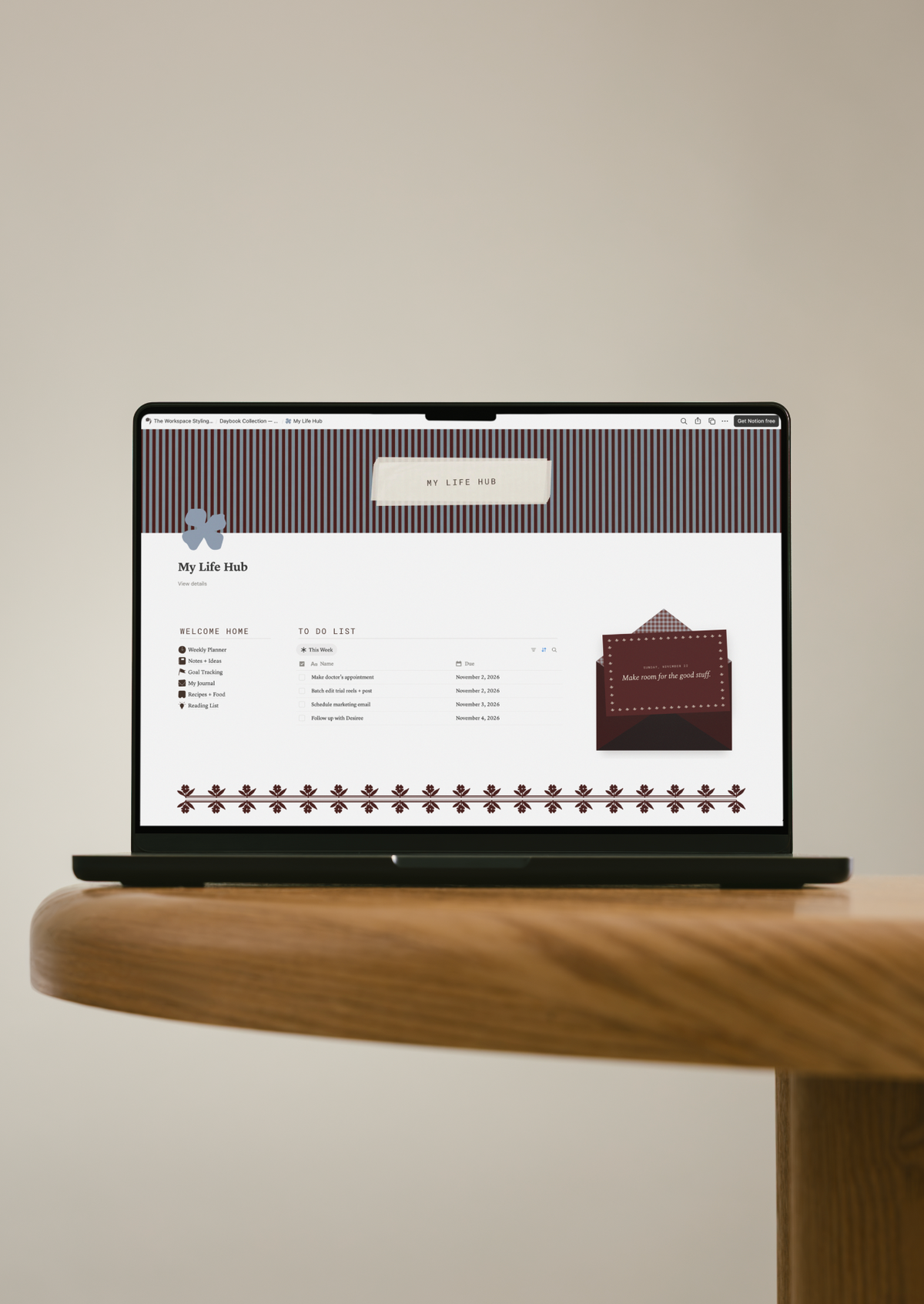

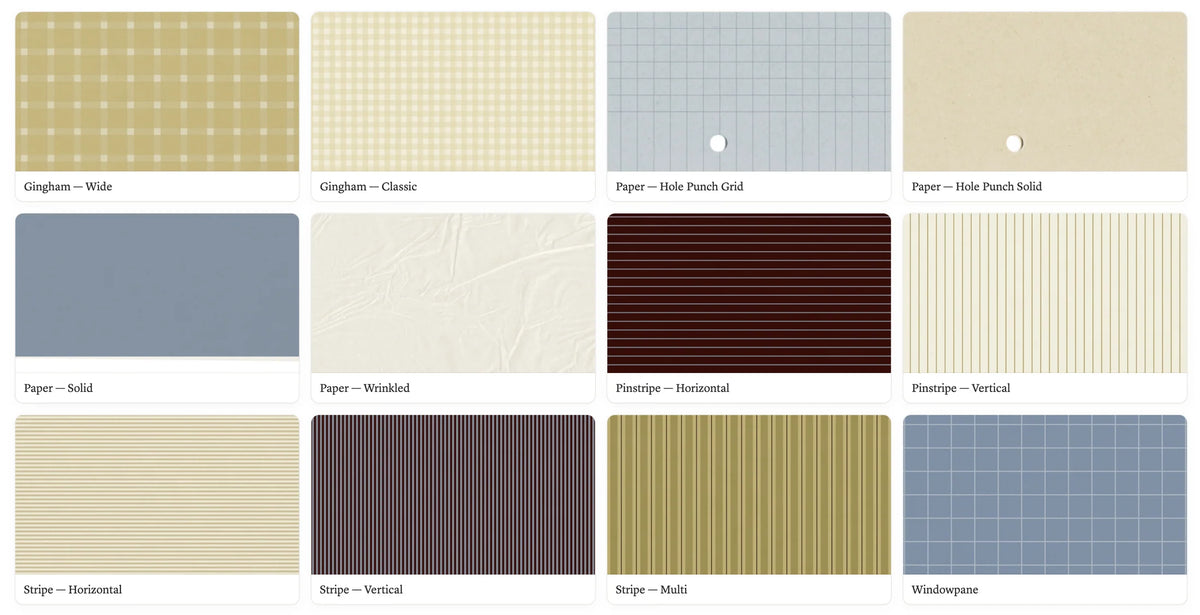
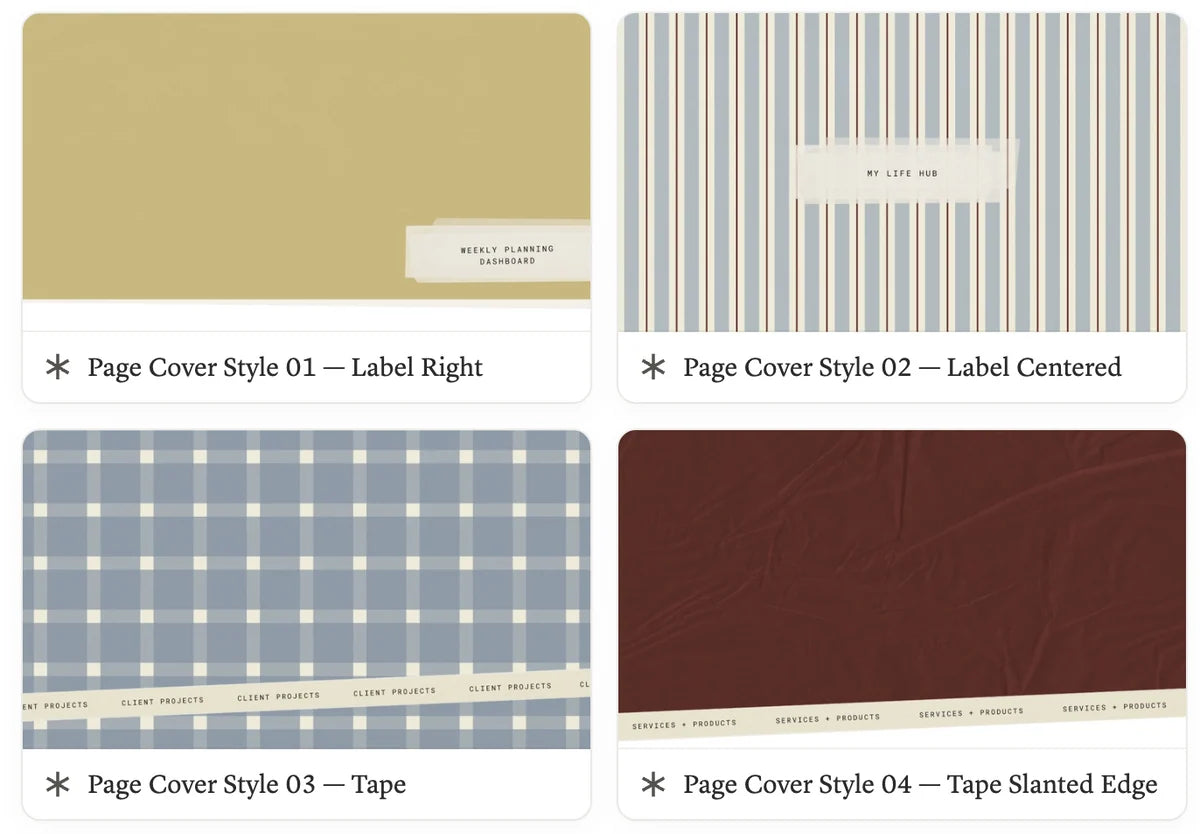

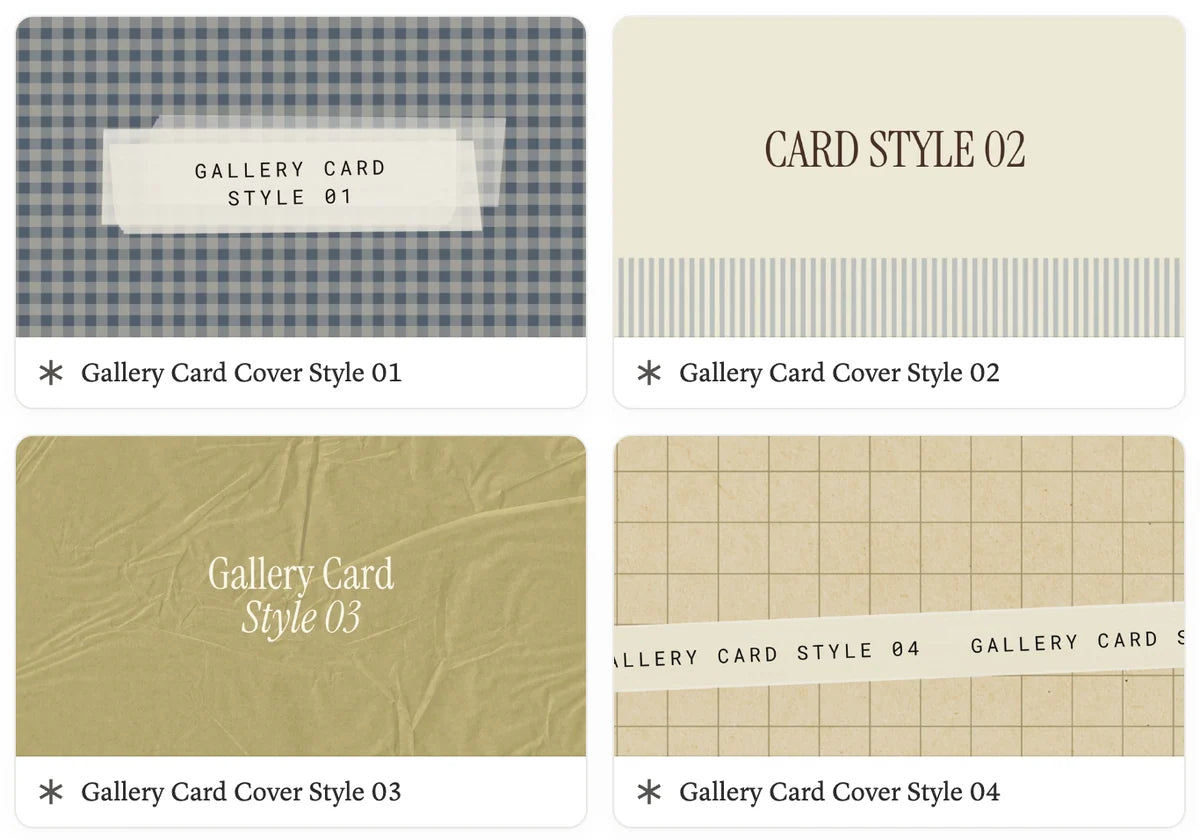


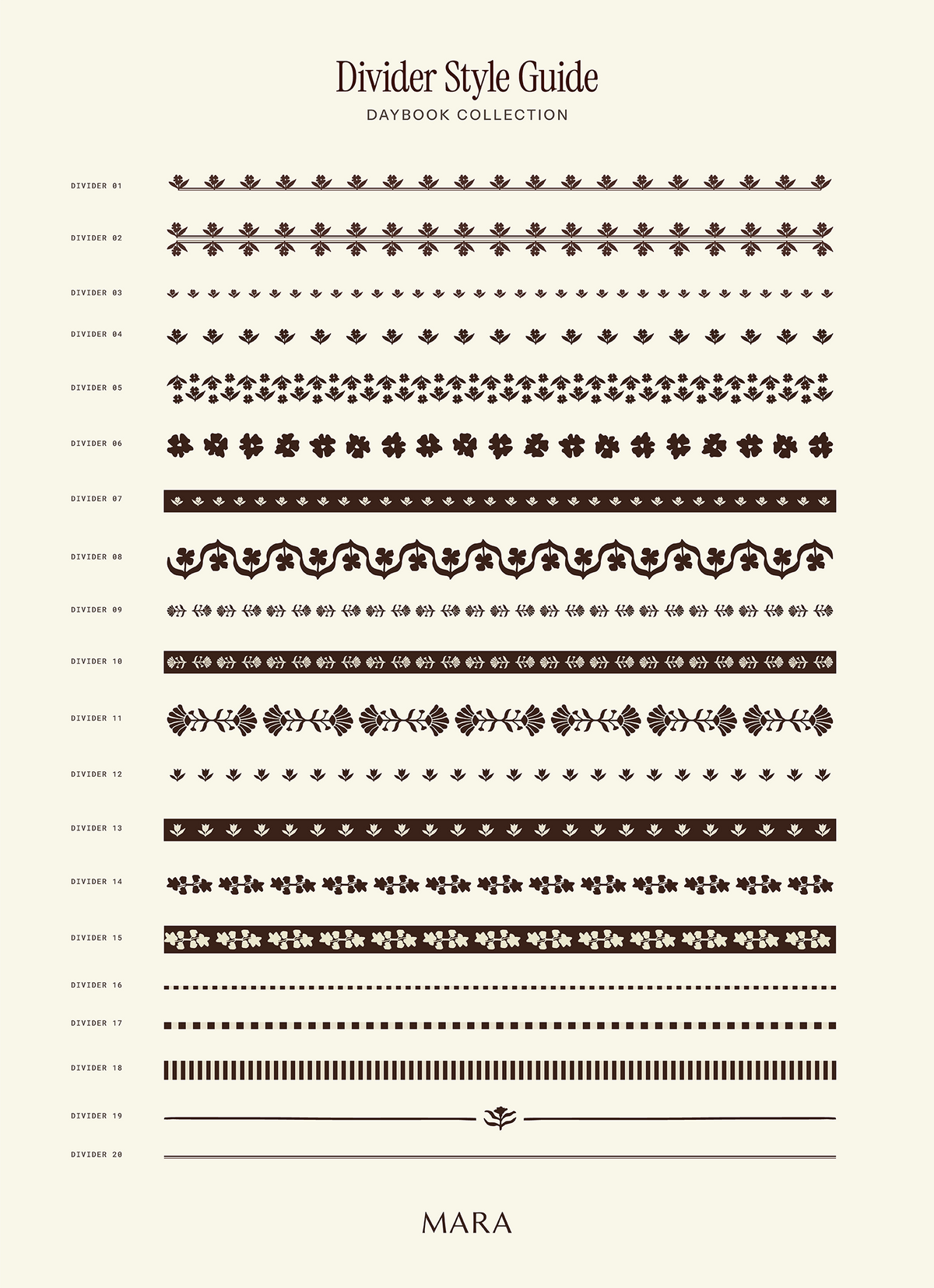
The Workspace Bundle: Daybook Collection + Widget Library
The ultimate little makeover for your Notion workspace.
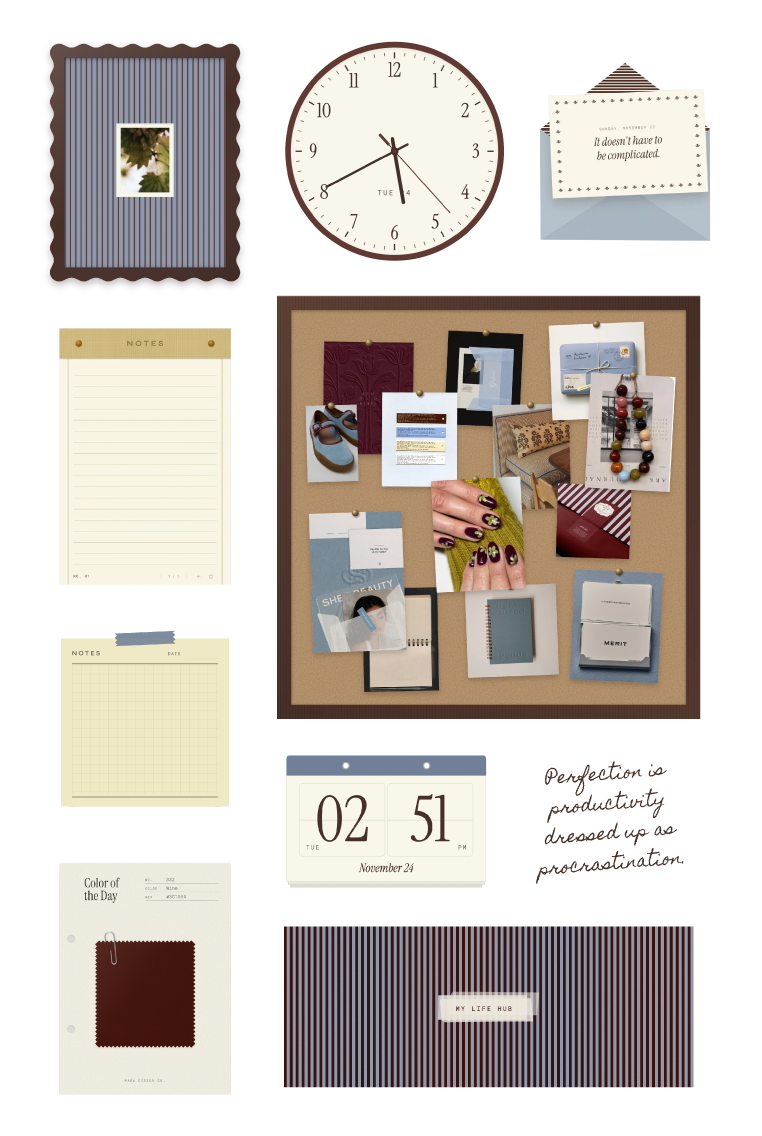
Two complementary collections designed to make your digital spaces feel more like home. Pair the cozy, paper-inspired graphics of Daybook with the customizable widgets and creative tools in The Widget Library for a workspace that feels uniquely yours.
Want to play around with the widgets? Scroll down for links to all 12 live demos! ◡̈
Included in the bundle
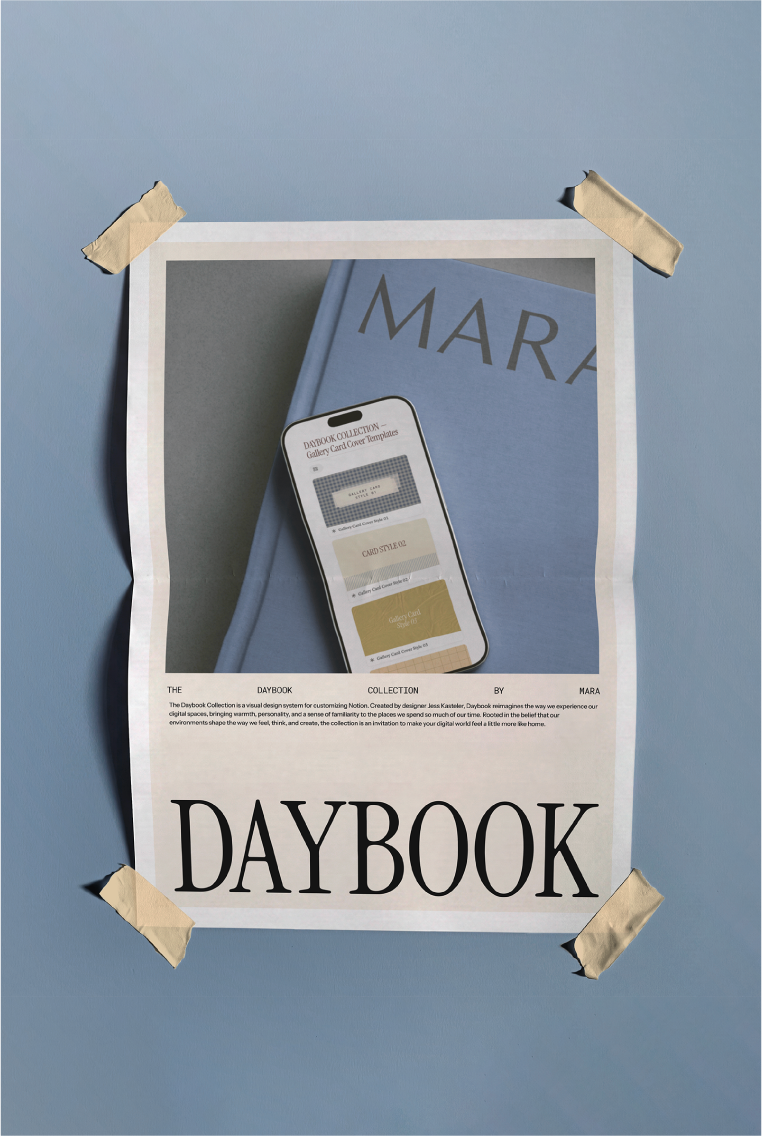
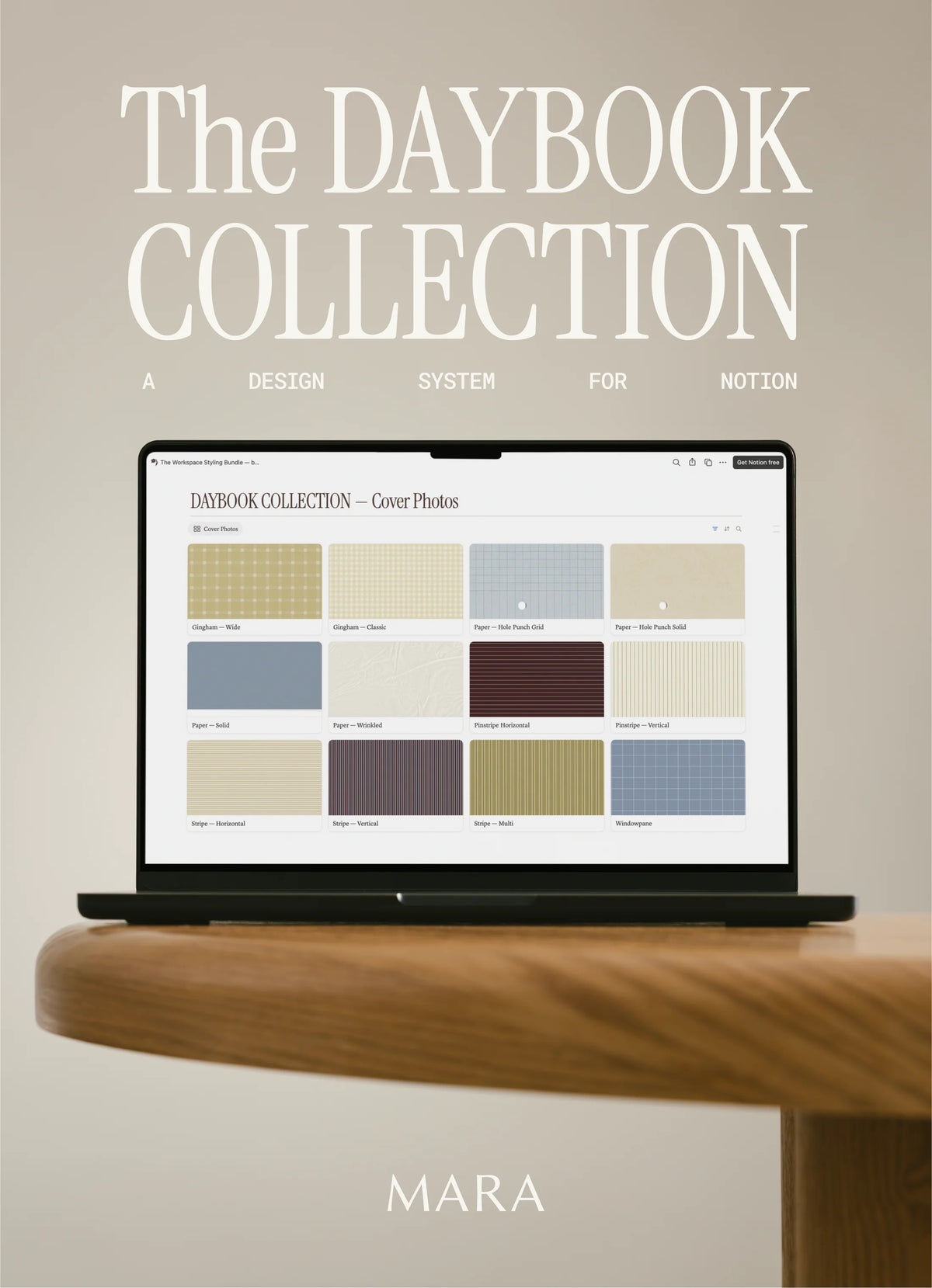
- Daybook — Notion Customization Kit: 300+ cover graphics, 20 divider + ornament styles, 100+ handdrawn icons, plus Canva title templates.
- The Widget Library: 12 customizable tools, including nine paid tools + three bonus widgets
Digital delivery after checkout, with access instructions for both collections.
License + Usage
For individual use in your own personal + professional workspaces. You may customize and duplicate these resources for your own use. Original or modified products, assets, widgets, and access links may not be resold, redistributed, shared with others, or incorporated into products or templates intended for sale or distribution (paid or free).
Try the live demos
Play with the customization options in each studio before you get started. Saving, downloads + embed links unlock when you get the full tool.
- Cover Studio: cover.marastudio.co
- Clock Designer: clock.marastudio.co
- Frame Studio: frame.marastudio.co
- Notepad Designer: notepad.marastudio.co
- Sticky Note Studio: sticky.marastudio.co
- Daily Affirmation Notecard: affirmations.marastudio.co
- Pinboard Creator: pinboard.marastudio.co
- Color of the Day: color.marastudio.co
- Scrolling Marquee: marquee.marastudio.co
- Lamp Widget: lamp.marastudio.co
- Simple Title: title.marastudio.co
- Jotted Note: jot.marastudio.co
Notion Compatibility
My Notion templates and customization tools are designed with both free and paid Notion users in mind. Please note, however, that Notion's plans are subject to their own usage and storage limitations.
Depending on the products you purchase, your existing workspace, and how extensively you use Notion, a paid Notion subscription may be necessary.
For the most up-to-date information on plan features, allowances, and limitations, please refer to Notion's pricing and plan details.

Choose options